
True confessions, I was feeling meh about 3.0 when it first launched. For about the first six months or so I felt nothing but frustration when I tried to use it. I took a break, kept on eye on the fixes the did and what they were working on and once it sounded like my big concerns were met I jumped back in.
Now, I am very confident it can handle everything I need it to. Are there features that I am impatiently waiting for? Absolutely.
Are there great features that are big improvement over 2.0 that I use regularly? Another resounding yes. (Invoice editing that keeps autopay in tact is a big deal for memberships.)
Do I now recommend all my clients switch to 3.0? Yes, yes, yes.
Recently Dubsado sent out an email about bug fixes and the roadmap. I thought I’d dive into and see what they were working on. I have to say I was so excited to see what is in store and wanted share the details!!
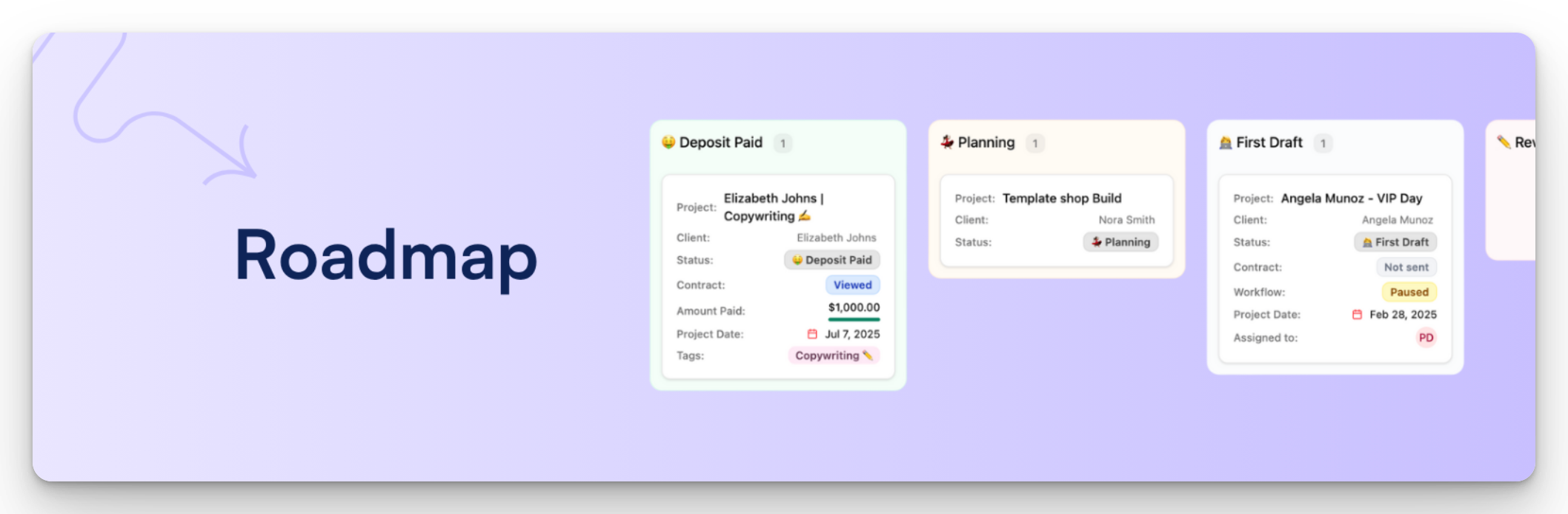
Dubsado Circle Community - Roadmap Header
THE FORM BUILDER
Phase 1
Get excited because the first phase is currently in beta and is being tested. This initial update will add a lot of features and it sounds wildly improved from the current version. The best part is it should be ready soon!!!
Here a few of the features that stood out to me:
THINGS I DIDN’T KNOW I WANTED BUT CAN’T WAIT TO HAVE
Image grids and testimonial carousels
Section templates you can save and reuse
A global theme editor
Fine controls like line height, letter spacing, image corner radius, and image focal points
Parallax images
New blocks: scrolling blocks, shapes, accordions, and toggles
Block resizing, multi-select, and grid resizing for real layout control
PRACTICAL UPDATES
Undo and redo, draft saving, and version history you can restore from
Captcha option
Mobile preview and mobile specific editing, so your form looks right on every screen
In-page preview while you build
Phase 2
In the second phase of the new form builder they will be working on adding the following:
Multi-page forms, so clients move through one experience instead of one long scroll
The checkout experience, including a storefront template built from packages and a checkout block
Contracts with multi-client signatures and counter-signing
Scheduler support (embedding your scheduler)
Other than allowing for multi-client signatures (Wedding photographers this one’s for you) these all fall into the category of things I didn’t know I wanted but now I can’t wait to have. As a Dubsado specialist that works with photographers I can think of multiple ways to use these features to simplify my work and my clients workflows. Say hello, onboarding guide with scheduler for onboarding call embedded.
It’s also important to point out what the multi-page form is all about. This is creating a form that links multiple form types into one. No more separate links. This currently happens with the Proposal/Contract/Invoice flow but the new builder could be Proposal/Questionnaire/Scheduler or any other configuration. Really game changing. Less emails and more flexibility.
Phase 3
The final phase has some top tier wish list items…CONDITIONAL LOGIC and KIT & FLODESK integration!!!!!
These will affect us and every client we work with! I think we will all be glad when CSS is not required for conditional logic. And we truly can’t wait to have mailing list opt-in built into forms! The only downside is that since these features are part of the final updates to the form builder, there’s no idea how long it be before they’re live.
DUBSADO MCP
An MCP (Model Context Protocol) is like a digital USB connector to allow an AI model to communicate with external tools. If you use Claude, ChatGPT, Gemini or another AI model, you would have a way to ask it questions.
Questions like:
What was your monthly income?
Are there any past due invoices?
Did Client A complete their questionnaire?
This will be a read only MCP so AI can’t change a project date, or send a form. It will just be able to provide you with data. They are building this as an opt-in feature that will require you to connect it if you want it. So if you aren’t comfortable with AI you don’t have to connect it.
There will be a lot of use cases for a read only, like a daily update, a sales data report, and booking stats. A lot of info you’d be downloading and putting into a spreadsheet would be available through your AI tool. Also if you use Dubsado’s notetaker there is some potential for using the call notes for help writing your offer. We are also wondering if it can read the data, can it replace a Zapier step and update an Airtable base or a Google Sheet? I think yes but am being cautious. I will definitely be jumping into that as soon as it is available.
This one is a feature that could have a big impact on your business but it really depends on how you use AI tools.
PORTAL UPDATE
There’s no real news here. Users know the portal needs some changes, they know it needs some changes. Right now they are asking how we are using it and what would make it better, so jump in and provide feedback! Head to the Circle Community for Dubsado users, and click Roadmap on the left panel.
The roadmap reads like this is a very future update. It is an something that a lot of people are looking for (Me, it’s me) so I thought it was worth mentioning that it is something they are planning.
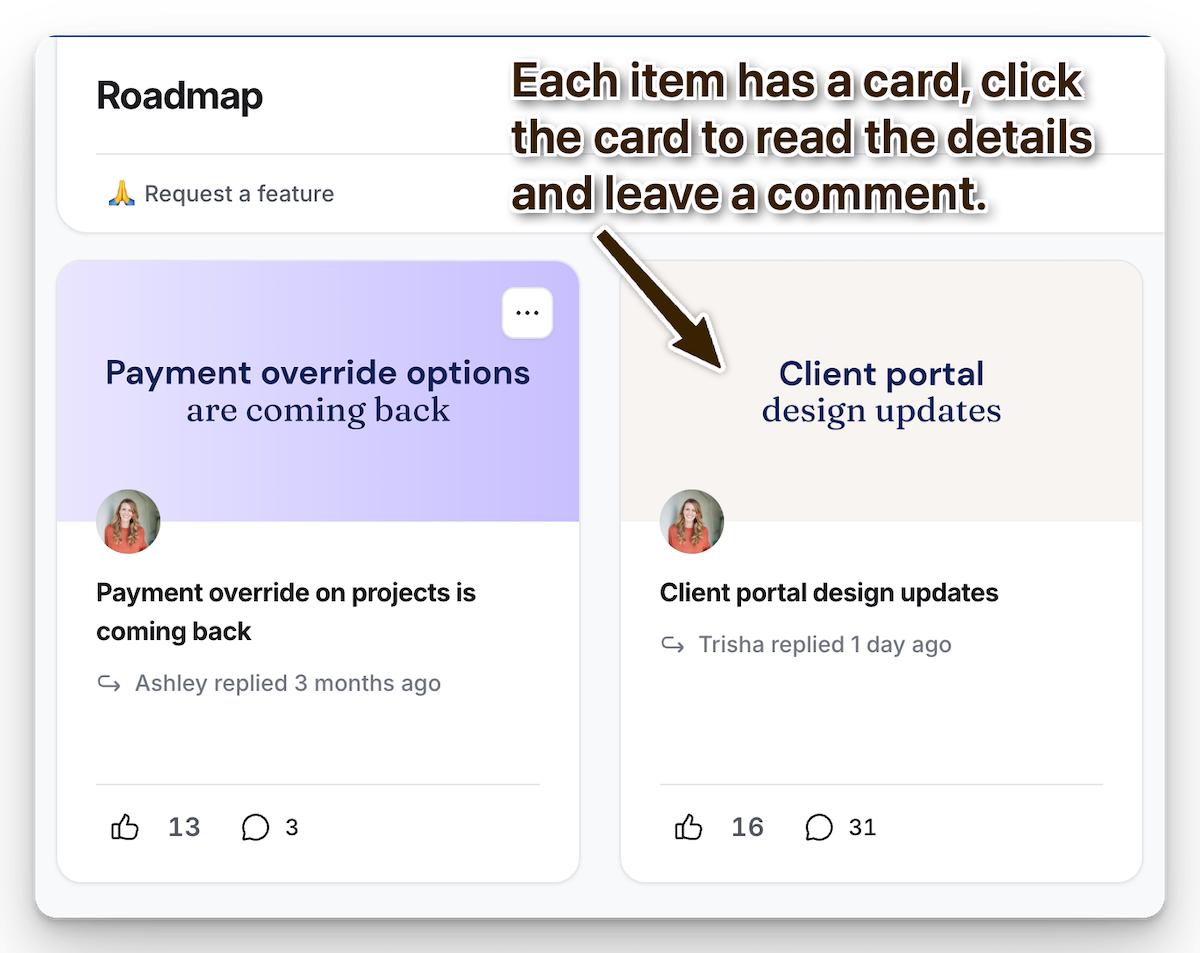
Dubsado Circle Community - Roadmap
MULTIPLE CLIENTS ON A PROJECT
Just like the change allowing multiple signatures on a contract (see Form Builder), this will be especially beneficial for wedding photographers and senior portraits where you work with more than just the person you are photographing.
Dubsado is being very intentional about this feature. Allowing each client to have a role and allowing targeted emails for specific clients attached to the project. This has been a big wish list item for so many photographers and it is great that they listened and are making it happen.
Building an adaptable platform was the entire reason behind Dubsado 3.0 and it is clear they are making that work to meet the needs of their users. I wasn’t sold on 3.0 the first six months or so that it was out, but as they have continued to work with users and adapt I’ve come around. Don’t get me wrong but there are still some items on my wish list that aren’t here, but the things that are will definitely make my job easier.
If you’re interested in looking at the roadmap details and giving them your feedback they’re in the Circle community. You can login or join here. Once in just click roadmap in the side panel.
If you’d like to know more about Dubsado 3.0 feel free to book a chat with me! I’d be happy to give you a walkthrough and talk about the differences between 3.0 and 2.0, the best new features, and how it will fit into your business.
